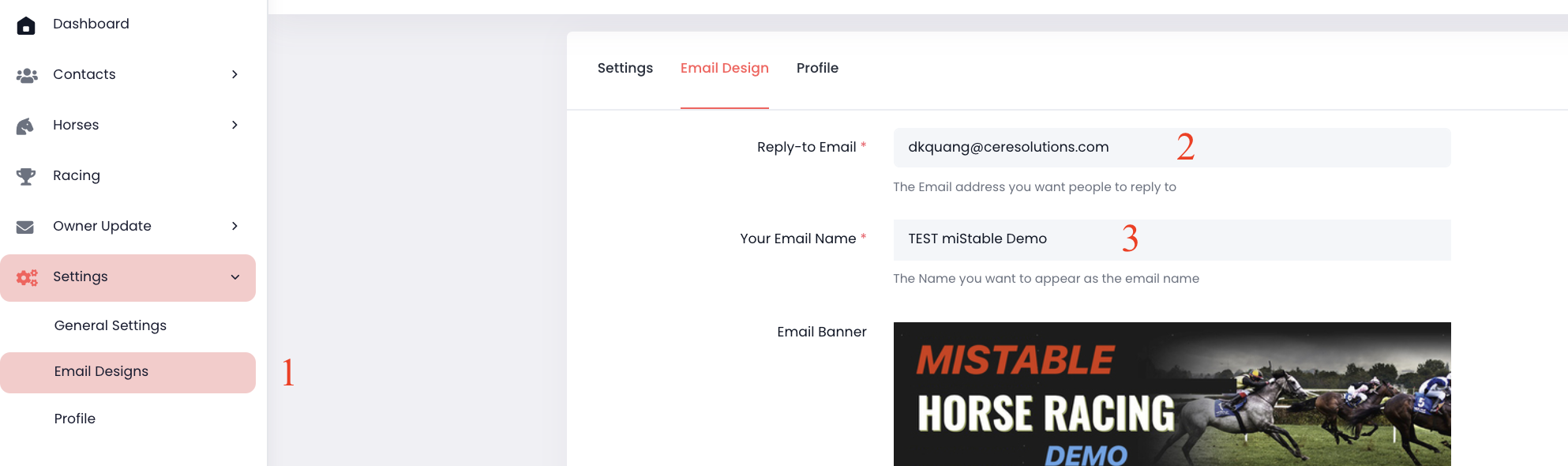
Change the Reply To Email Address And Email Name MiStable Support September 02, 2021 02:20 Updated Go to Settings on the menu -> Select Email Designs. In the "Reply-to Email" section, add the email address you wish people to reply to. In the "Your Email Name" section, add the name you wish people to see as the reply email name. Click Submit Comments 0 comments Please sign in to leave a comment.

Comments
0 comments
Please sign in to leave a comment.